 how-to
How to Prevent Lithium Battery Damage: 7 Safety Rules
Table of Contents
- Lithium Battery Charging Best Practices
- Signs of Lithium Battery Failure
- How to Store Lithium Batteries Long Term
- Lithium Battery Fire Prevention
- How to Prevent Lithium Battery Damage with Monitoring and Maintenance
- Conclusion
- Frequently Asked Questions
Last Updated: October 4, 2026
Lithium Battery Charging Best Practices
Learning how to prevent lithium battery damage starts with one habit: charging correctly. Most early failures we see trace back to the charger, not the battery.
Lithium battery charging best practices come down to three rules: match the charger to the battery, avoid overcharging, and never drain the cells flat. Skip any one of them and you shorten cycle life fast.
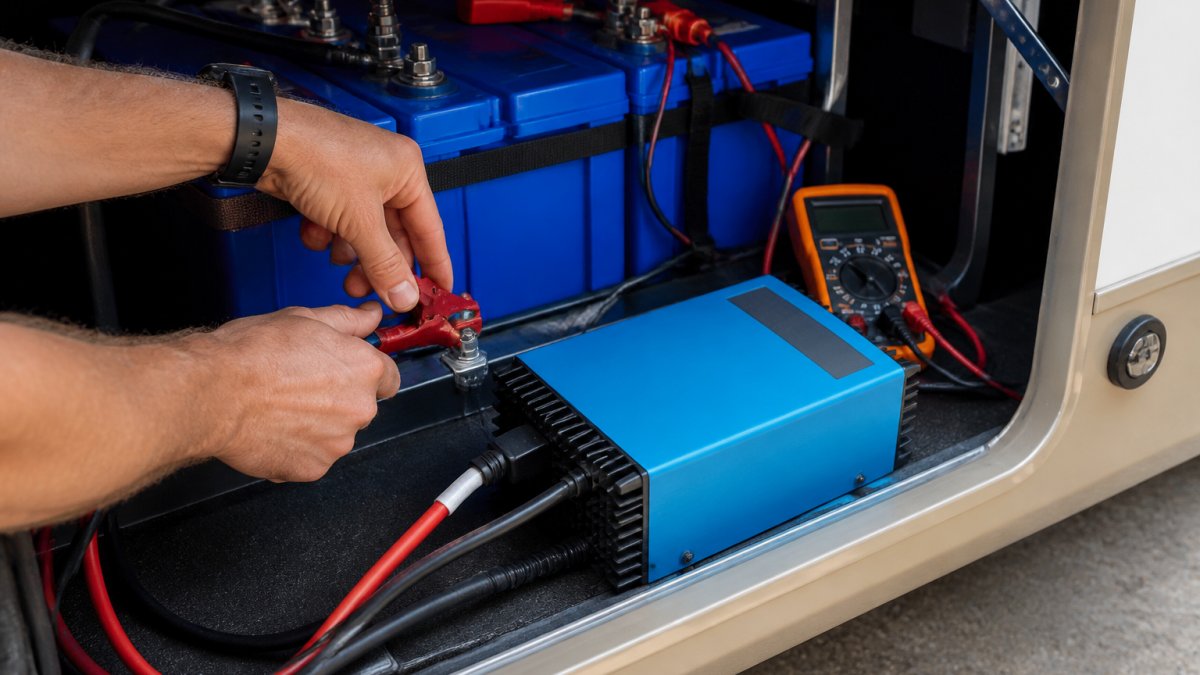
Match Your Charger to the Battery's Voltage and Chemistry
Lithium-ion cells need a charger built for their exact voltage and chemistry. A lead-acid charger will not do.
A common mistake is grabbing whatever charger is on the shelf. That mismatched charger can push too much current and overheat the cells. It can also fail to balance the pack properly.
Check two things before you plug in:
- The charger's output voltage matches the pack
- The charger lists the right chemistry, such as lithium iron phosphate
Look for a UL listing on the charger. That safety certification means the unit passed independent testing.
Avoid Overcharging and Deep Discharge
Overcharging and deep discharge are the two fastest ways to kill a lithium pack. Both push the cells past what they can safely handle.
Overcharging raises cell voltage and heat. Heat speeds up capacity degradation. Deep discharge, dropping the pack too low, damages the internal structure.
A battery management system, or BMS, guards against both. It cuts charging at the top and shuts off at the bottom. If your pack has one, trust it and set your charger to the right profile.
Signs of Lithium Battery Failure
Swelling, odd smells, and strange noises are the clearest signs of lithium battery failure. Catch them early and you avoid a bigger problem.
Watch for these warning signs:
- A swollen or puffy case
- Popping sounds or hissing
- Sweet or chemical odorous emissions
- A hot case during charging
- A charging port that no longer fits right
Any one of these means stop using the battery. Move it away from anything flammable and check it outdoors if you can.
Chemical Indicators of Degradation
Chemical changes inside the cell show up before a battery dies. The electrolyte breaks down, and that breakdown produces gas and heat.
Most guides skip this, but it matters. The gas from a failing cell smells sweet or sharp. That smell is your early alarm. If you notice it, the cell is already degrading.
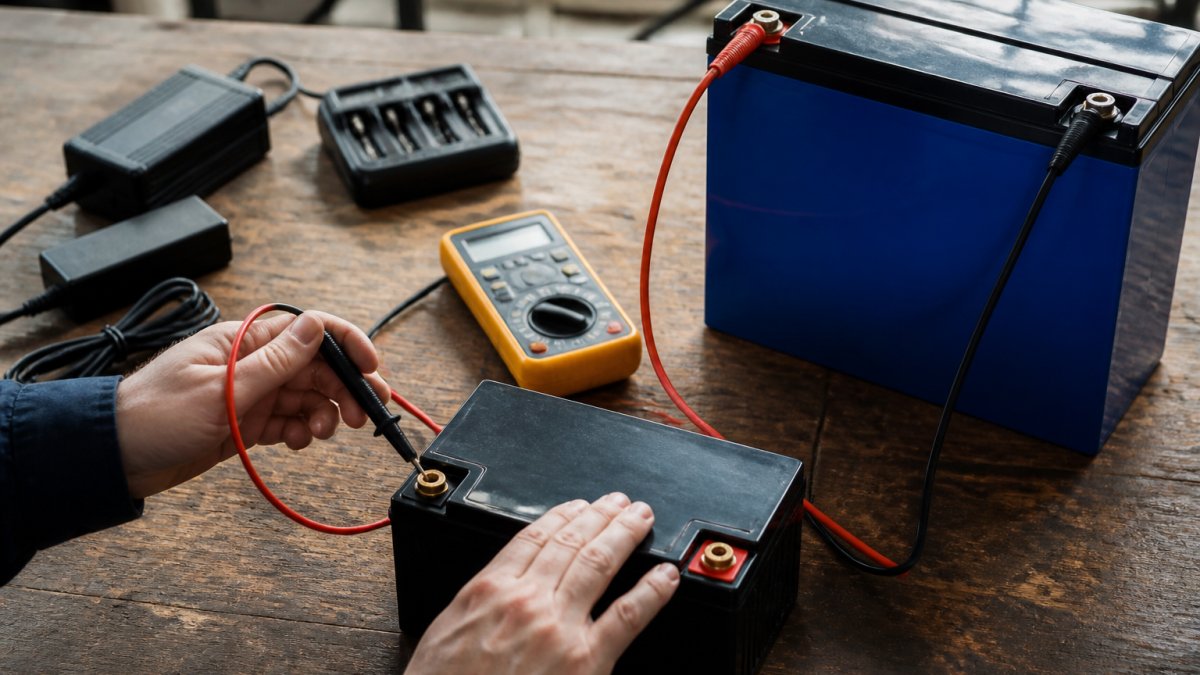
You can also track voltage. A cell that drops faster than its neighbors under the same load points to a weak or defective cell. Monitoring systems flag this for you.
How to Store Lithium Batteries Long Term
Store lithium batteries at about half charge in a cool, dry spot. Full charge and high heat are the two biggest storage threats.
Here is how to store lithium batteries long term without wrecking them:
- Charge to roughly 50% state of charge
- Keep them out of direct sunlight
- Avoid moisture exposure and damp basements
- Store at a steady ambient temperature
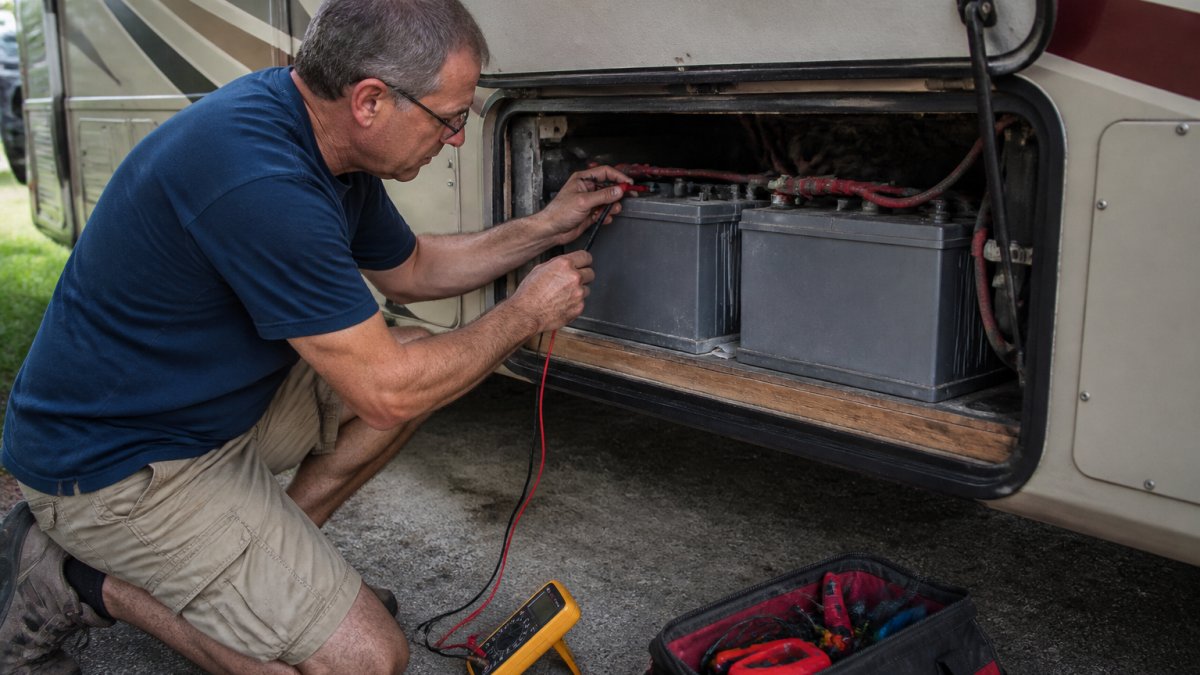
- Check the voltage every few months
Cold slows chemical reactions, which is good. But do not store a pack below freezing, and never charge one that is frozen. Bring it to room temperature first.
| Storage Factor | Best Practice | Why It Matters |
|---|---|---|
| State of charge | About 50% | Slows capacity degradation |
| Temperature | Cool and steady | Heat speeds cell aging |
| Location | Dry, shaded spot | Blocks moisture and sun |
| Check-in | Every few months | Catches voltage drop early |
Lithium Battery Fire Prevention
Lithium battery fire prevention comes down to stopping thermal runaway before it starts. Thermal runaway is a chain reaction: one cell overheats, vents flammable electrolyte vapor, and that heat ignites the next cell. Once it begins, the pack supplies its own oxygen, so smothering it does not work the way it does on a wood or grease fire.
Prevent it with habits that target the three ignition triggers, heat, physical damage, and short circuits:
- Use the correct charger every time, and unplug it when the pack is full
- Never charge a damaged, swollen, or wet pack
- Keep packs away from heat sources, direct sun, and hot vehicles
- Store in a ventilated area, not a sealed box or a closed cabinet
- Cap terminals when a pack sits idle so a dropped wrench cannot bridge them
- Inspect for dents, punctures, or crushed corners after any drop
A short circuit can spark a fire in seconds. Keep metal tools away from terminals, and never rest a pack on a metal surface. For larger banks, mount a fire suppression option nearby and keep it accessible, not buried behind the battery box.
Emergency Response Protocols
If a lithium battery starts smoking, hissing, or swelling, treat it as an active fire risk. Get people away first, then call 911 and state clearly that it is a lithium battery fire, that tells responders what they are walking into.
Follow these steps:
- Evacuate the area and keep others back
- Call 911 and say it is a lithium battery fire
- If the pack is small and it is safe to approach, move it outdoors with tongs or a non-conductive tool, never bare hands
- If a fire has started, use a Class D or clean-agent extinguisher; a standard ABC extinguisher may knock down flames but will not stop the cell reaction
- Do not use water on a live lithium fire, water can react with the cells and spread burning material
- If you cannot move the pack, let it burn out in a safe, open space away from structures
A failing pack can reignite hours later, even after it looks cool. Keep it outdoors on a non-combustible surface, away from anything flammable, and watch it for at least 24 hours. Do not bring it back inside.
For home and shop setups, a heat alarm near the charging area gives you earlier warning than a smoke alarm alone, because lithium failures often produce vapor before visible smoke.
How to Prevent Lithium Battery Damage with Monitoring and Maintenance
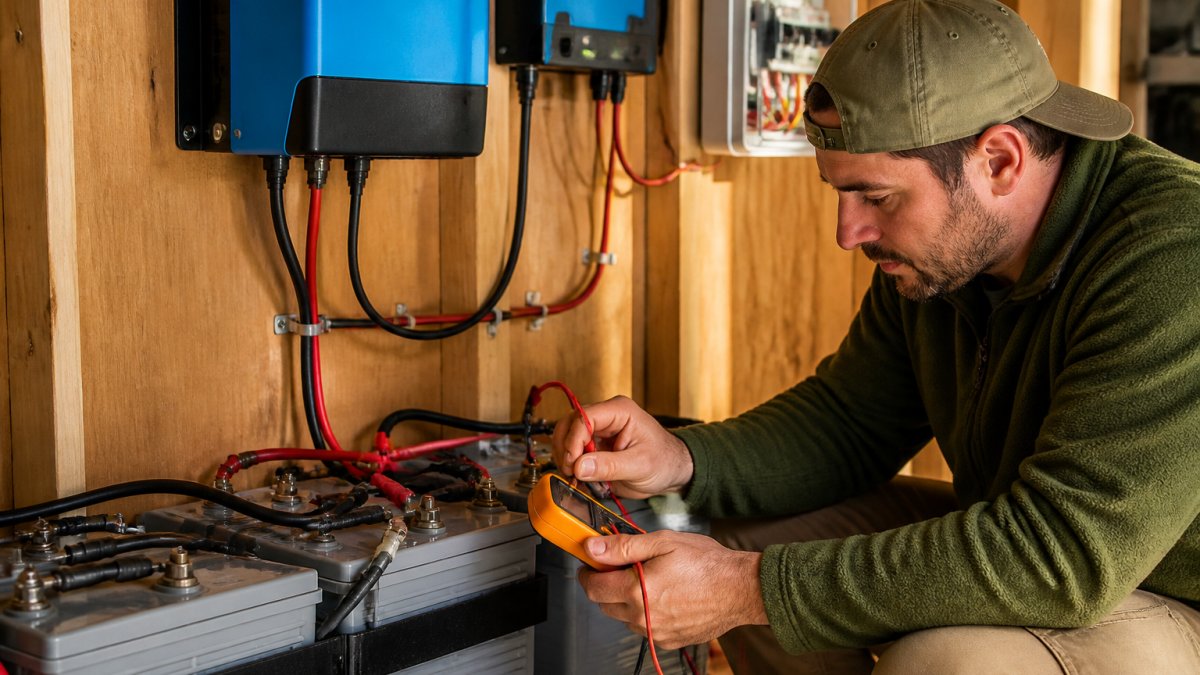
Monitoring is how you prevent lithium battery damage before it shows up as a dead pack. A battery management system and health software track the numbers for you, but the maintenance routine that actually protects a pack depends on the device it powers.
What most people miss is that a BMS does more than protect. It records data. You can watch state of charge, cell balance, and temperature over time, and use that history to catch problems early:
- Voltage drift between cells
- Rising temperatures during charge
- A slow drop in capacity
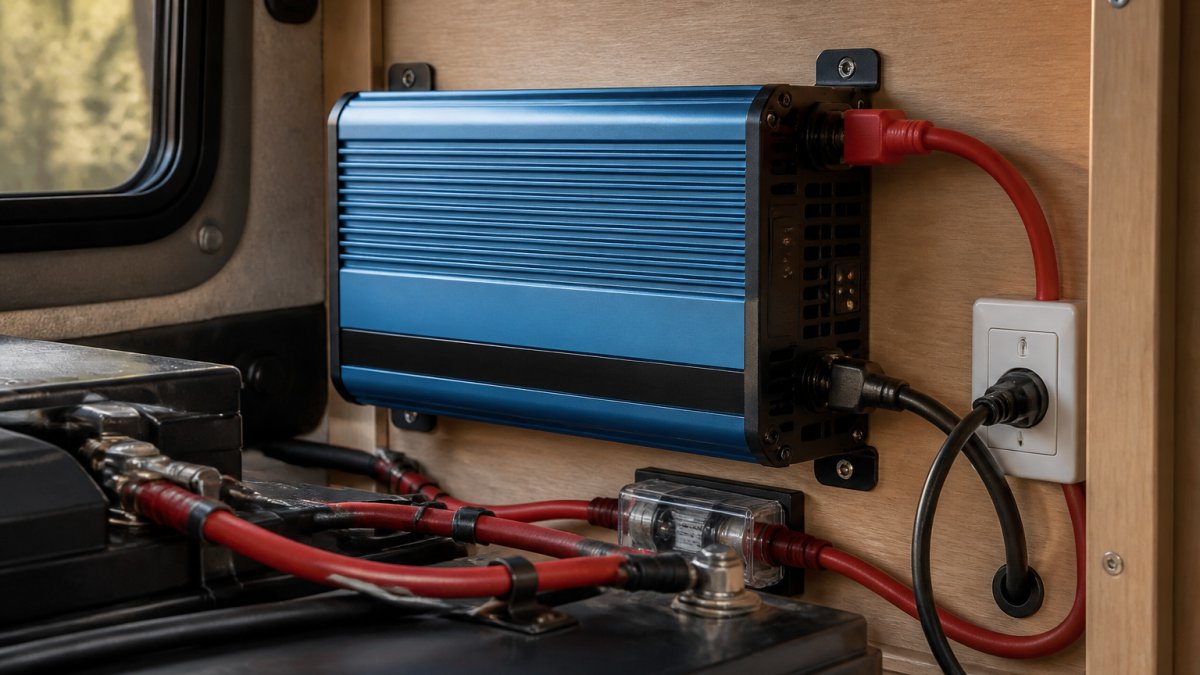
For RV and off-grid systems, a shunt-based monitor shows exactly what goes in and out. That history tells you if a charger is overworking the pack.
Device-Specific Maintenance
Generic advice stops at "check your battery." The real differences show up by device:
- E-bikes: Store the pack indoors at about 50% charge during off-season, and never leave it on the charger for weeks. Check the mounting bracket and connector pins for corrosion, since vibration and road spray are common failure points.
- Laptops: Enable the manufacturer's charge-limit setting if it has one, and keep the laptop on a hard surface so the vents are not blocked. Heat from a soft surface is a bigger killer than cycle count for most users.
- Power tools: Let a hot pack cool before charging, and do not leave packs in a hot truck bed or garage in summer. Rotate packs so one is not cycled far more than the others.
- Phones and tablets: Avoid charging under a pillow or blanket, and unplug once full. Fast charging generates more heat, so use it only when you need the speed.
- Solar storage banks: Check torque on terminal bolts every few months, and confirm the charge controller's profile matches the pack chemistry.
Battery Health Monitoring Software
Many BMS units and chargers expose cycle count, state of health, and per-cell voltage through a phone app or a display. Use those readings instead of guessing:
- A state of health that drops faster than cycle count suggests heat or overcharge stress
- A widening gap between the highest and lowest cell voltage points to a weak cell
- A pack that hits full charge faster than usual is often losing capacity, not gaining it
Log your battery's voltage and temperature once a month. A pattern of small changes tells you more than any single reading, and it gives you a record to compare against later.
This is where Victron Guy helps. As an authorized Victron Energy dealer, we offer batteries, solar charge controllers, inverters, and monitoring systems built to work together. Our team gives technical support by phone, text, email, or in person, so your setup is matched to your pack from day one.
Conclusion
A dead lithium pack almost always comes from a fixable habit: a wrong charger, a deep discharge, or a hot storage spot. Get those three right and most packs last for years.
When you want a system built to protect itself, Victron Guy is here to help. We carry batteries, solar charge controllers, inverters, and monitoring systems, and we back them with expert guidance and support by phone, text, email, or in person. Get started with Victron Guy and build a power setup that keeps your batteries healthy for the long haul.
Frequently Asked Questions
What are the signs of a damaged lithium battery?
Watch for swelling or a bulging case, hissing or popping sounds, odorous emissions, a case that feels hot to the touch, or a voltage that drops unusually fast under load. These are signs of lithium battery failure and mean the battery should be taken out of service immediately. Do not try to charge a battery showing physical damage, and move it away from anything flammable.
Is it safe to store lithium batteries in the house?
Storing lithium batteries indoors is common, but keep them out of living spaces, away from direct sunlight, and at a stable ambient temperature. A garage, shed, or dedicated compartment with ventilation is safer than a bedroom or closet. Never store a damaged or swollen battery indoors. For long-term storage, a cool, dry location with terminal protection and a partial state of charge is best.
How long can a lithium battery sit unused before it degrades?
A lithium battery in good condition can sit unused for several months without major capacity degradation if it is stored at around 50% state of charge in a cool, dry place. Leaving it fully charged or fully discharged for months speeds up capacity degradation and can cause a deep discharge that makes the battery unusable. Check the voltage every few months and recharge if it drops noticeably.
How do you properly dispose of a damaged lithium battery?
A damaged lithium battery is hazardous waste and should never go in regular trash or curbside recycling. Tape the terminals to prevent a short circuit, place the battery in a non-flammable container, and take it to a certified recycling center or a retailer that accepts lithium batteries. If the battery is swollen, hissing, or hot, keep it outside away from structures and contact your local hazardous waste facility for guidance.